
Infotech Document Management
INTRODUCTION
Do you have documents, files, photos or videos that are stored outside of Microsoft Dynamics 365 Business Central that need to go with your purchase orders, invoices and more? Do you spend annoying amounts of time looking for those files? Do you even know where to look? Why aren’t they just connected and attached where they should be?
Do your customers need proof before they pay? Are they satisfied with just an invoice, or do they need the quote, pictures, videos or other attachments? When you get damaged goods from your vendors, are photos required? When you order something, do you need to attach their quote, and wouldn’t a picture add clarity? How much time do you spend on these second and third touches to gather and provide additional information to collect what is due to you?
BENEFITS
With Infotech Document Management, your documents, files, photos and videos are connected right where they need to be – you don’t have to search your file structures. Items have pictures, Purchase Orders have quotes, Invoices have shipping documents, and more! Imagine the time you will save each day, and how much less frustrated you will be!
· Drag and drop files, emails, photos, videos, etc. directly into Dynamics 365 Business Central as attachments on most pages (cards and lists)
· Attachments travel with business processes – for example, from quote to order to shipment to invoice
· Take pictures or videos on your device and attach to Business Central
· Built-in image/video/PDF viewers
· Store wherever you need to (Internal Storage, Azure File Share, SharePoint)
· Organize with a file structure that suits your business
· Setup Wizard helps you get up and running fast!
· Infotech has been a Navision/Business Central partner for 30 years – you can count on us to be there to support you
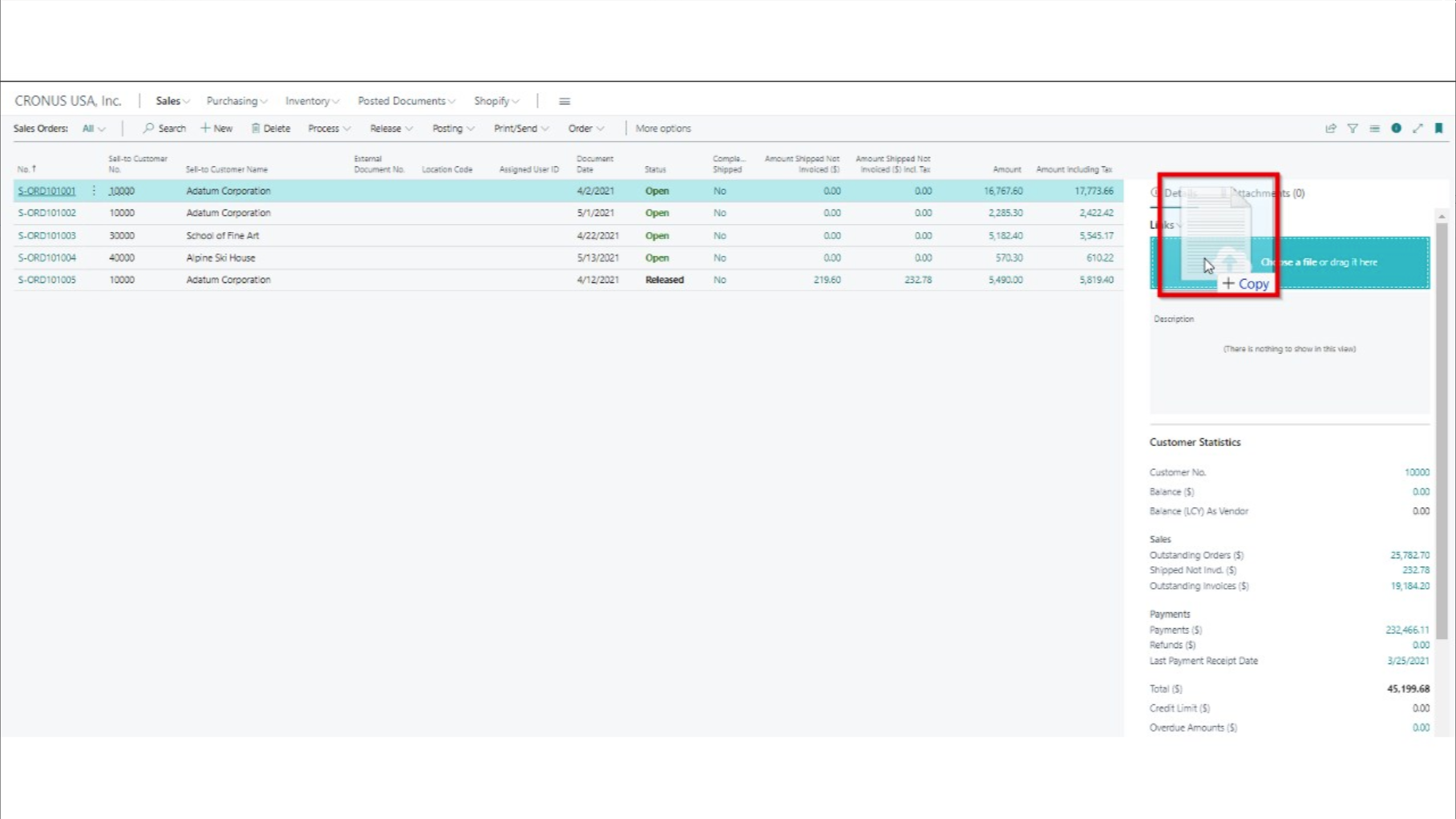
Drag-and-Drop
✥
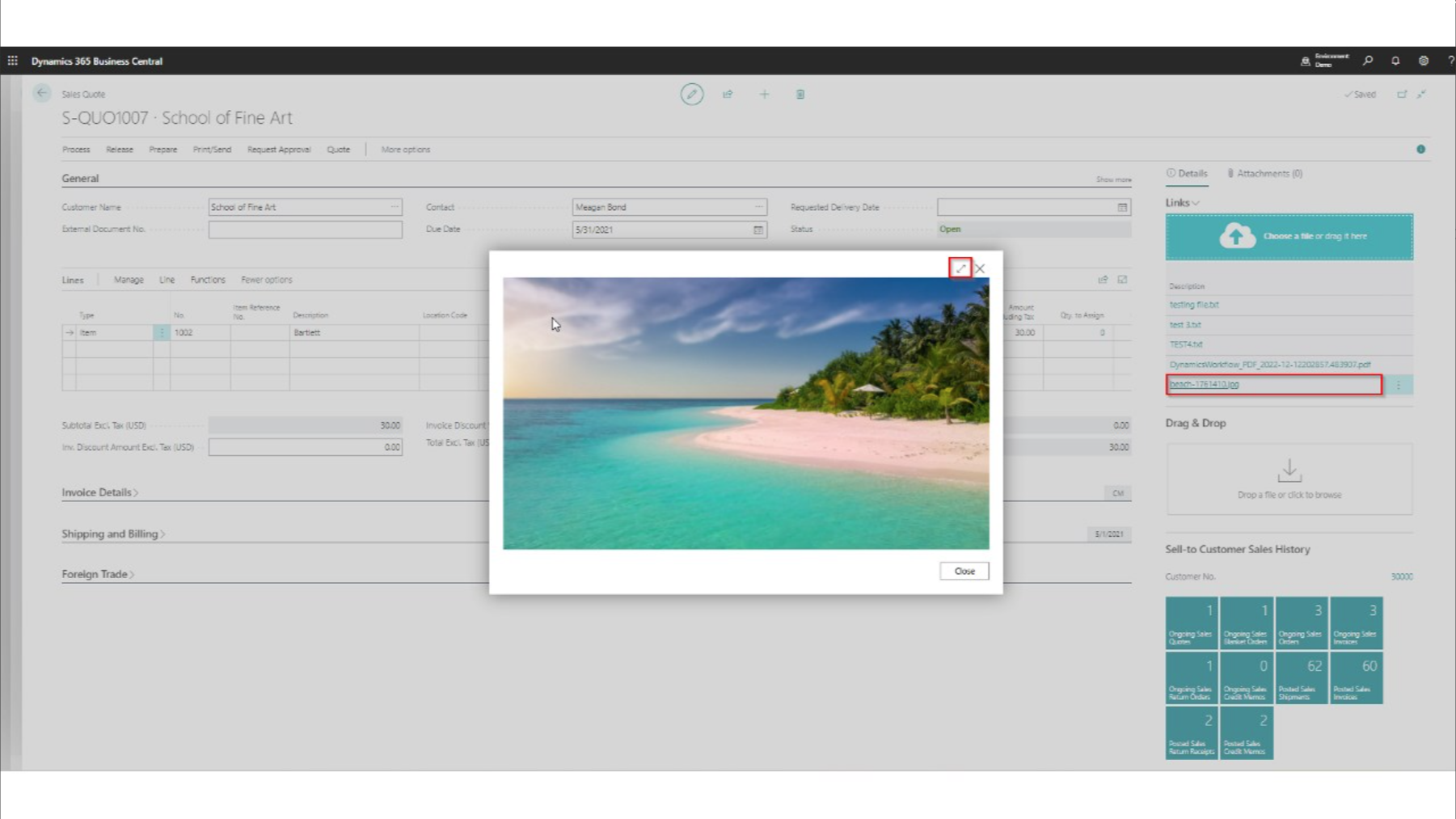
View
⌕
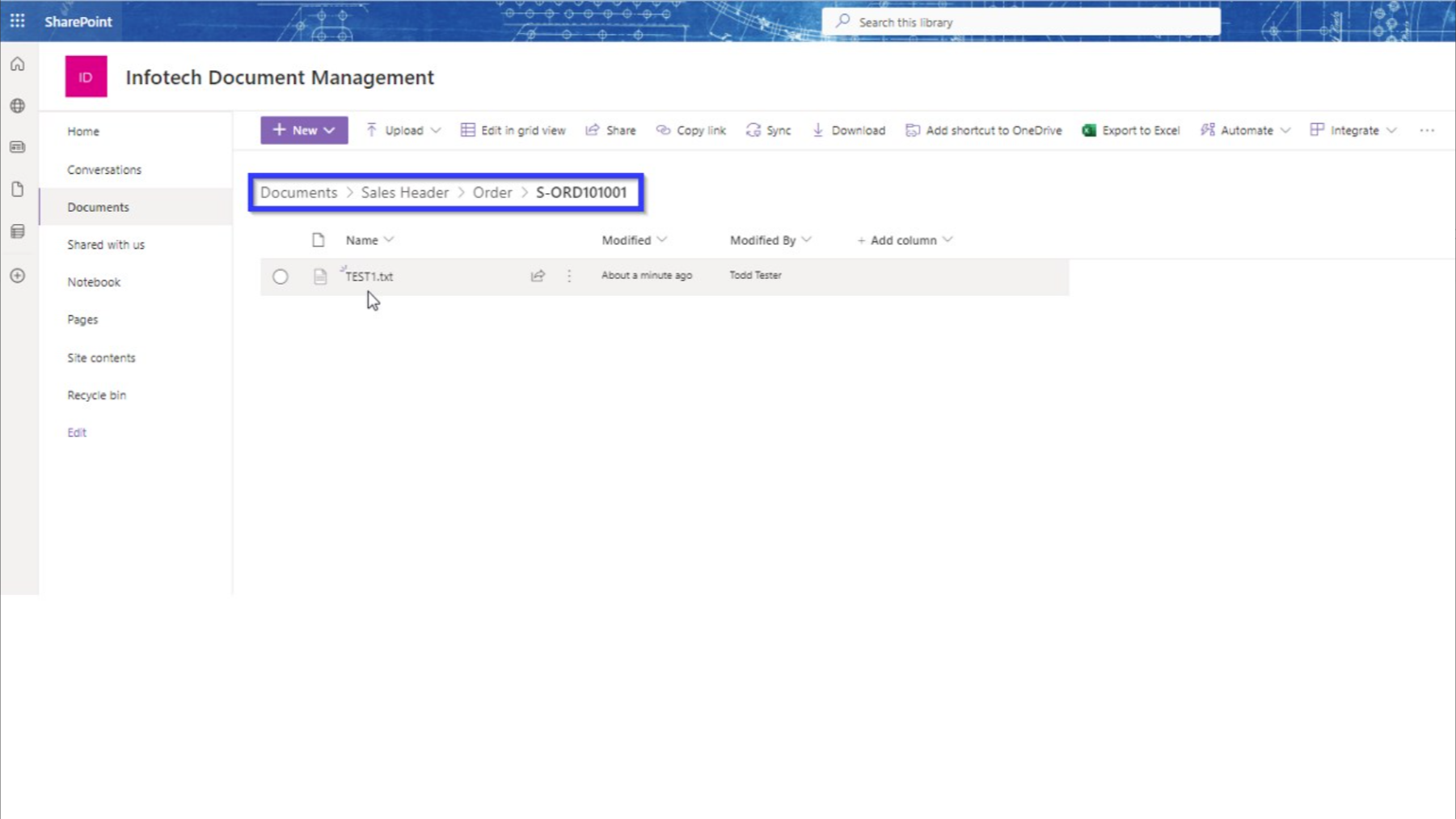
Organize
⧉
DOWNLOAD TODAY
To increase productivity and save time and frustration, download the app for a FREE 30-day trial today!
For purchase pricing, please contact Infotech Consulting Group.
Backed by over three decades of experience, we understand what businesses need to succeed.
Our team is ready to meet your business needs with confidence and precision.
Install
Get up and running quickly with step‑by‑step installation instructions and prerequisites.
User Guide
Access the free user guide for a complete walkthrough and answers to common questions.
FAQ
Find quick answers to common questions, configuration details, and troubleshooting tips.
Tutorials
Follow guided tutorials and walkthroughs to learn key features and real use cases.